QR codes for print: size, borders and scan checks
Two real QR exports show why the empty border and the length of your URL matter.
A QR code can look sharp on a laptop and still be awkward to scan on a flyer. Usually the useful questions are simple: are the squares large enough, is there clear space around them, and can a phone read the finished print?
Start with a plain code. Add your colours or logo after it scans, then test it again.
Keep the empty border
The little squares in a QR code are called modules. The clear border around them is the quiet zone. DENSO WAVE specifies four modules on every side for a standard QR code.
That space belongs to the code. Do not crop it away, cover it with a logo, or let a patterned background run into it. CozyToolkit's QR code generator keeps at least four modules of margin in its export. Your page layout needs to preserve that margin too.
The same size can hold very different squares
We exported two codes with the same default colours, error-correction level M, and four-module border. One links to our homepage. The other adds campaign parameters to the same address.

| Export | Code grid, without border | One module if the entire export is 32 mm wide |
|---|---|---|
| Short homepage URL | 25 × 25 | 0.97 mm |
| URL with campaign parameters | 45 × 45 | 0.60 mm |
Both examples include eight extra modules across the full width for the left and right quiet zones. The calculation is printed width divided by the code width plus those eight modules.
32 mm is an example, not a universal minimum. At the same printed width, the longer URL leaves smaller squares for the camera and printer to resolve. DENSO WAVE's module-size guidance explains why larger modules generally make reading easier; your paper, printer, camera and scanning distance still matter.
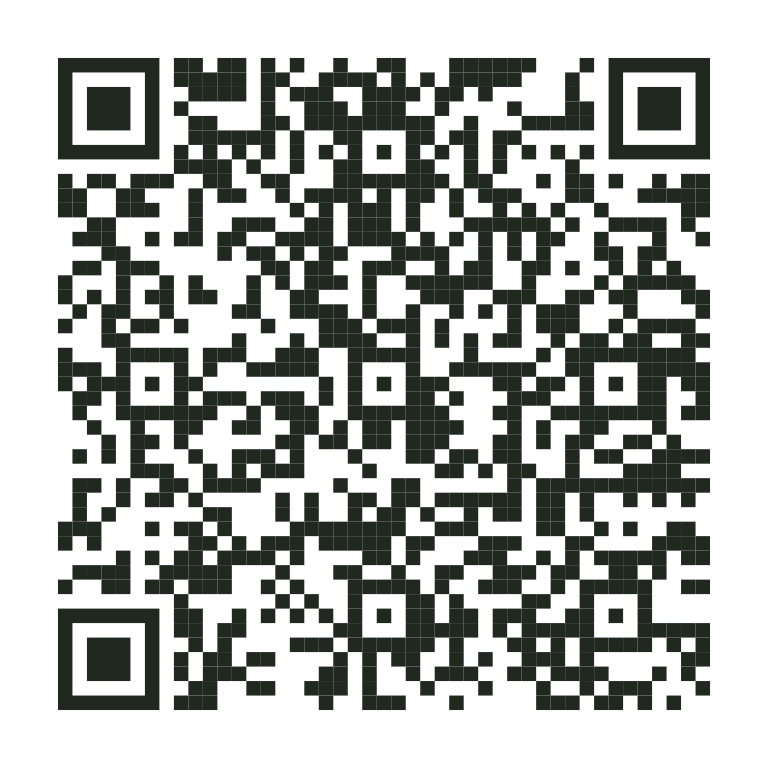
Download the short URL SVG and campaign URL SVG to compare them in your layout. The exact encoded addresses are in our test results.

Export for the layout you are making
- Choose Link or text in the generator and enter the final destination, including
https://for a web address. Open that address yourself first. - Keep dark dots on a light, solid background. Check the contrast again after applying a colour preset.
- Use Download SVG if your layout application accepts vectors. It stays sharp when resized. Otherwise use Download PNG at a size that avoids enlarging it in the final layout.
- If adding a logo, keep it modest and scan the result again. The tool uses higher error correction for logo exports, but that is not a promise that every design will scan.
- Keep the code square. Put a short instruction such as “View the menu” beside it, outside the quiet zone.
The colour warning in the tool is a useful guardrail, not a scan certificate. A code that passes a contrast check can still fail because of size, glare, distortion or an intrusive logo.
Test the actual print before ordering a batch
Print one copy at its final size on representative paper. Try the normal camera on more than one phone, in ordinary lighting and at the distance someone will actually use. Check that the destination loads as well as that the camera recognises the code.
A glossy sticker on a curved bottle is a different test from a flat sheet on your desk. If scanning is unreliable, enlarge the code, simplify the design or reduce the amount of encoded text, then repeat the test.
A shorter redirect URL can reduce density. It also adds a dependency: the redirect must keep working for as long as the print is in use. A static code does not expire by itself, but its destination can stop working. Keep a readable web address nearby when space allows.
What we checked
On 1 October 2026, we generated both samples with the tool's rendering function and decoded raster copies at 256 and 768 pixels using jsQR. Every decoded address matched its input. We also recorded grid sizes and file hashes in the test results linked above.
These were digital checks. We did not test a physical print, a phone camera, a logo variant or a particular printing service. The print test is still yours to do before committing to a batch.